🔍
Venue quality audit
A 🟢🟡🔴⚪ checklist for the manager doing a walk-through: rate every item, post a report to the chat and turn red flags into tasks with one tap.
1
Fill in the checklist
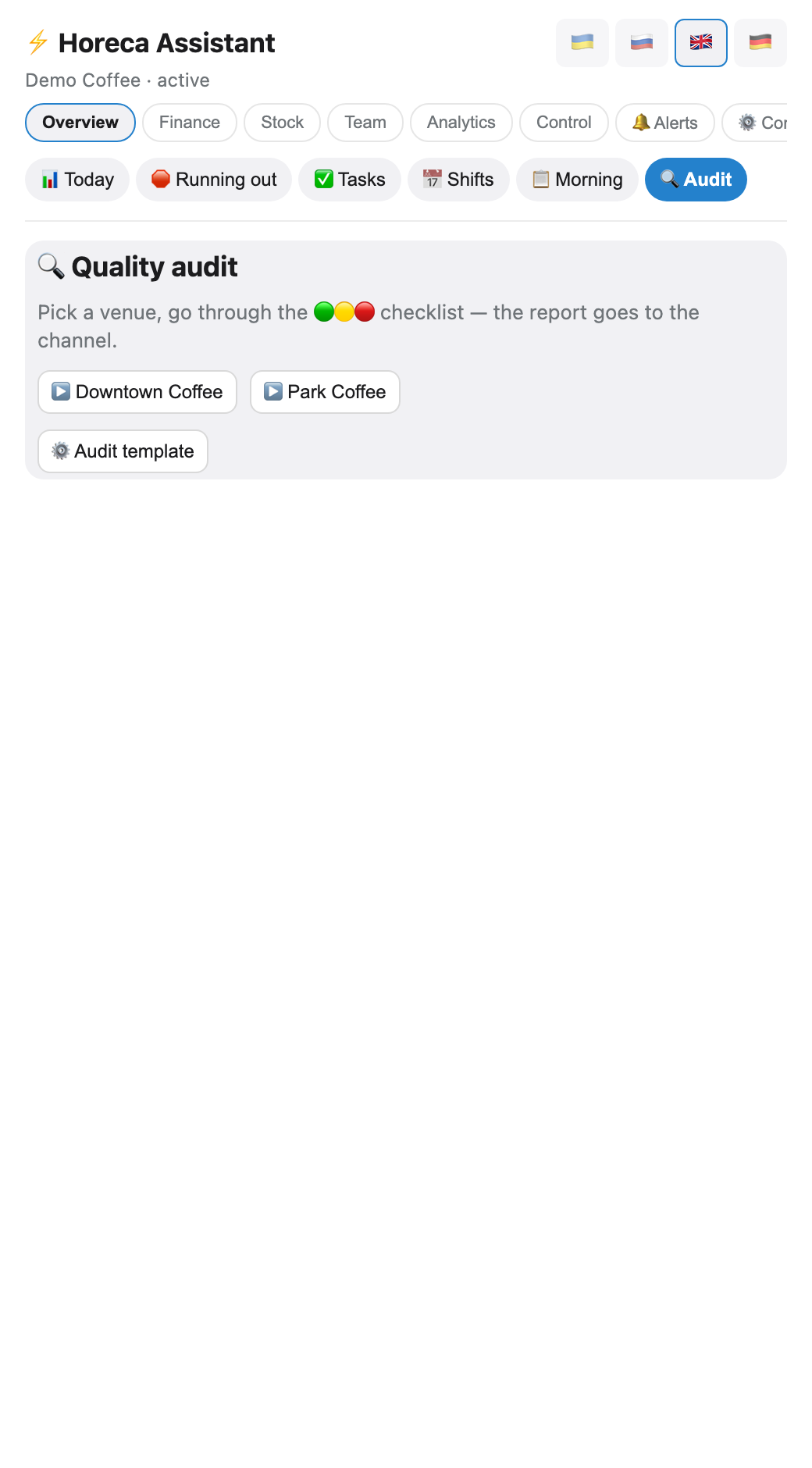
The Overview → 🔍 Audit tab: pick the venue, mark who is on shift (chips from the roster), then rate every item in each section — 🟢 fine / 🟡 so-so / 🔴 critical / ⚪ not applicable.
The bot rejects a 🔴 without a comment — a critical flag with no explanation helps nobody understand it later.
The bot rejects a 🔴 without a comment — a critical flag with no explanation helps nobody understand it later.
💡 A ready-made template ships with every new company — sections like "Cleanliness", "Service", "Till".
2
The template editor (owner only)
The ⚙️ Audit template button on the audit screen opens the editor. Each block (section) can be removed (✖) or a new one added via the text field at the bottom. Inside a block are criteria: add text and pick a type — 🟢🟡🔴 (a regular rating) or 📝 (a plain text note with no rating, for comments).
With several venues, chips under each block let you switch it off for that specific venue by tapping (e.g. "trash bin" does not apply to a venue with no kitchen). Deletion is soft — old reports with removed items do not disappear or break.
With several venues, chips under each block let you switch it off for that specific venue by tapping (e.g. "trash bin" does not apply to a venue with no kitchen). Deletion is soft — old reports with removed items do not disappear or break.
⚠️ A removed criterion disappears from NEW runs immediately, but past-run barista KPI stats stay exactly as they were — that is history, not a live view of the template.
3
The report goes to the chat
When you finish, the bot tallies the score and posts the report to that venue's alert channel on its own.
The recipient is configured alongside every other alert: Notifications → the "Quality audit report" toggle (owner DM / the alert group / elsewhere, as needed).
The recipient is configured alongside every other alert: Notifications → the "Quality audit report" toggle (owner DM / the alert group / elsewhere, as needed).
💡 One button covers the whole run: every 🔴 item becomes its own task for that venue — nothing to set up by hand.
🤖
Coffee shop — Downtown
🔍 Quality audit: Downtown · 2026-08-04
👤 Checked by: Maria
🟢 14 · 🟡 3 · 🔴 1 — score 82%
👤 On shift: Olena, Ulya
👤 Checked by: Maria
🟢 14 · 🟡 3 · 🔴 1 — score 82%
👤 On shift: Olena, Ulya
🛠 Create tasks from 🔴
4
Who is on shift → barista KPI
The "on shift" mark is not a formality: the bot uses it for a ranking under Team → 🥇 Top baristas — how many audits happened during a person's shifts, how many carried a 🔴/🟡, and the average score.
This is an informational metric (to spot patterns) — it does not affect payroll yet.
This is an informational metric (to spot patterns) — it does not affect payroll yet.
FAQ
Who can fill in the audit?
The owner, admin and manager — by default. The accountant, senior barista and barista can be granted access manually in "Role permissions" (the
audit_quality right).Can the checklist be customised?
Yes, via ⚙️ on the audit screen (owner only): sections and criteria are fully custom, and some sections can be switched off for a specific venue where they do not apply.
The report never arrived
Check the "Quality audit report" toggle in "Notifications" — it may be off or have no group selected. The run itself is already saved either way: the history is visible on the audit screen.