💬
Chats, forums and topics
Where the bot posts alerts and where it reads cash reports from. One forum can serve several companies — a topic per company.
1
Add the bot to the group
Add
@HorecaAssistantBot to the group as a regular member. To auto-create forum topics, make it an admin with the «Manage topics» right.2
Send /register_chat in the group
The command works only inside a group and only for the company owner. The bot asks for the company, then the chat type.
💡 One chat can serve several types — just repeat
/register_chat and pick another type.🤖
Coffee shop — Downtown
/register_chat
📌 Which chat type should this be?
📢 Alerts — markup, stock, suppliers (company-wide)
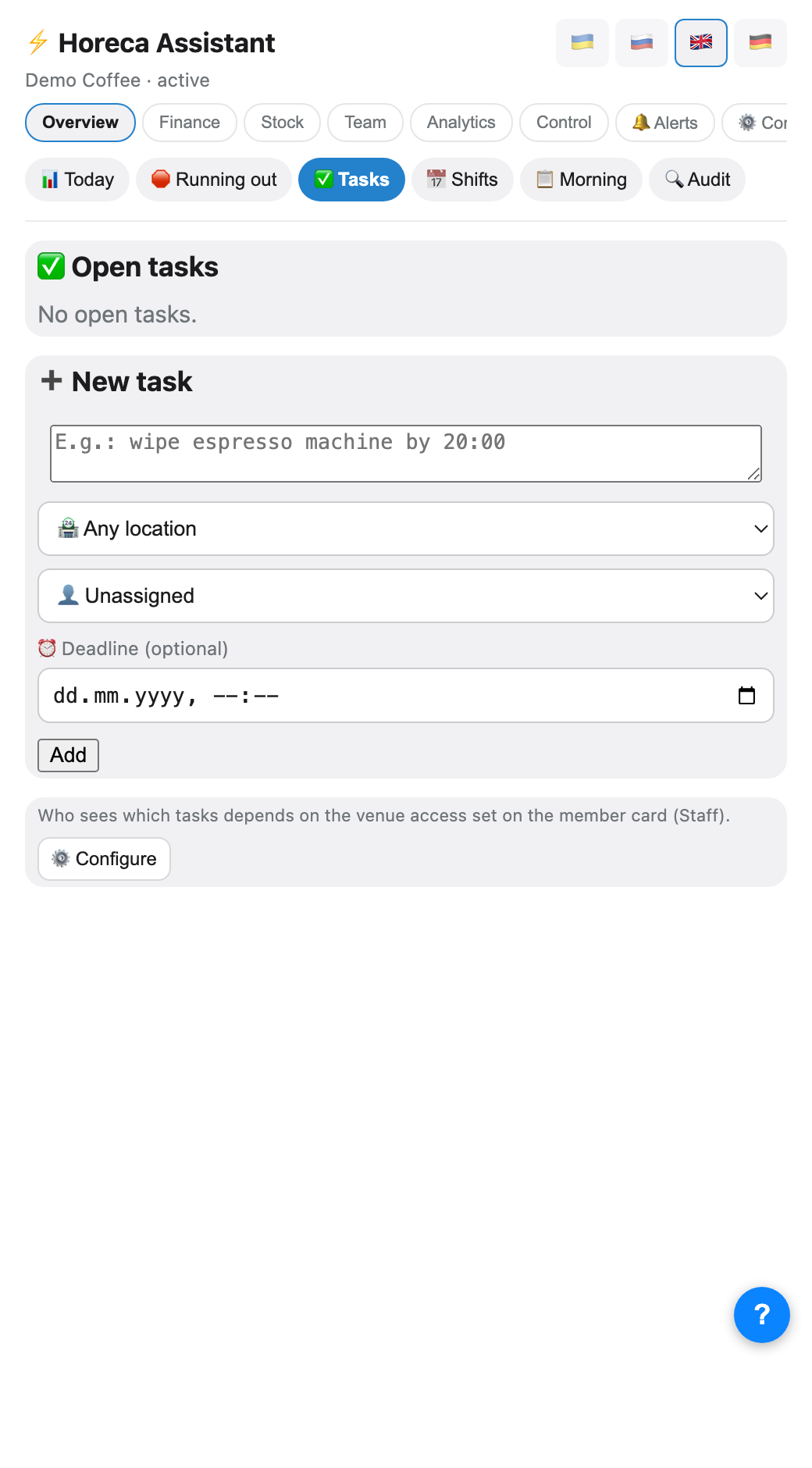
✅ Tasks — morning tasks + /tasks (one venue)
💵 Shifts/Payroll — shift parsing and payroll (one venue)
📢 Alerts — markup, stock, suppliers (company-wide)
✅ Tasks — morning tasks + /tasks (one venue)
💵 Shifts/Payroll — shift parsing and payroll (one venue)
📢 Alerts✅ Tasks💵 Shifts/Payroll🗂 Auto topics (forum)
3
What each type means
📢 Alerts — company-wide: markup, stock, supplier orders, till anomalies.
✅ Tasks — per venue: morning tasks,
💵 Shifts/Payroll — per venue: this is where the bot reads barista reports and calculates payroll.
✅ Tasks — per venue: morning tasks,
/task_add.💵 Shifts/Payroll — per venue: this is where the bot reads barista reports and calculates payroll.
⚠️ If the company has several venues, «Tasks» and «Shifts/Payroll» must be bound for EACH venue separately (its own chat or its own topic).
4
For tasks and shifts — pick the venue
Pick "✅ Tasks" or "💵 Shifts/Payroll" and the bot asks once more: "🏪 For which venue?", with a button per company venue. "📢 Alerts" skips this step — it is always company-wide.
5
Forum: auto topics
In a group with «Topics» enabled, the 🗂 Auto topics button creates three topics and binds them for you. If the company has several venues, only the alerts topic is auto-created — shifts and tasks stay per venue.
💬
Company forum
💰
💰 Cash and anomaliesalerts
📦
📦 Stock and orderstasks
💸
💸 Payroll and shiftsshifts/payroll
6
Several companies in one forum
This works: the bot tells companies apart by topic. Open the topic of the company you need and send
To create a «Shifts» topic for a second company: open its topic →
/register_chat right there — that exact topic gets bound.To create a «Shifts» topic for a second company: open its topic →
/register_chat → pick the second company → 💵 Shifts/Payroll → venue.💡 A company that is already set up does not need re-registration. Baristas must post cash in their own «Shifts» topic: posting in an unbound topic makes the bot reply that it is not linked.
7
All bindings are visible in the app
/register_chat is still the only way to CREATE a binding (Telegram gives the bot no advance list of chats). But you can view and rebind existing ones without going back into the group: ⚙️ Company → 💬 Chats.💡 Handy when moving "Tasks" or "Shifts/Payroll" to a new chat: register the new one, then remove the old binding right here, from the owner's phone.
FAQ
I do not see alerts in the forum — is the bot silent?
Forum topics are separate feeds. Messages of one topic are not visible in the general topic list — open that specific topic (for example «📦 Stock and orders»).
I bound the chat to another company — what happened to the old one?
If it is the same topic and the same type, the binding moves to the new company and the bot says so («rebound from …»). To keep both companies, use different topics.
The bot does not see group messages
Check that the bot is in the group and the chat is bound via
/register_chat. For topics, run the binding inside the topic itself.