📅
Running shifts and payroll
Venue rates with every nuance, the schedule, a period calculation with a pay-date anchor, top baristas, advances and bonuses — covering every real field on screen.
1
Set the venue rates
The Team → Payroll → 💰 Rates tab (or
/est_rates): tap a number to change it. Per venue: a Barista / shift flat rate, Barista % of the till, Helper full and Helper short rates, a Legacy bonus, and an Auto-bonus (till threshold + amount — granted for every shift above that threshold).💡 The bot explains the calculation logic itself:
/salary_setup. With several venues in the company, each keeps its own rates; several separate companies with the same rules can be set once as shared.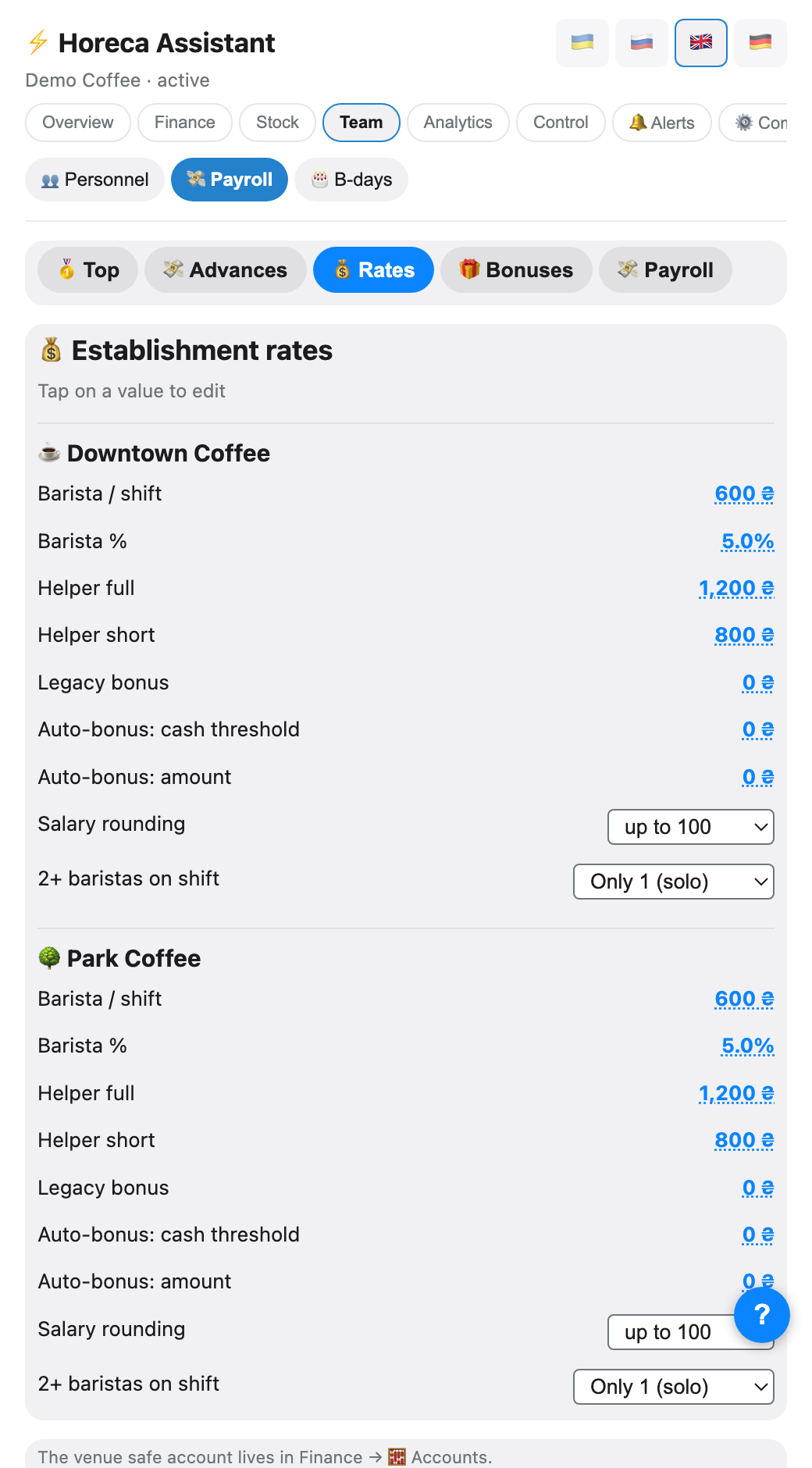
2
Rounding and several baristas per shift
The same block has two switches: Payroll rounding — none / to 100 / up to 100 / down to 100; 2+ baristas per shift — what to do when several worked together: <i>only 1 (solo)</i> counts only the first, <i>split % evenly</i> divides the till percentage between all of them, <i>each flat</i> gives everyone a fixed rate with no percentage.
⚠️ The venue's safe account moved off this screen to Finance → 🧮 Accounts — do not look for it here, it is a property of the account, not a rate.
3
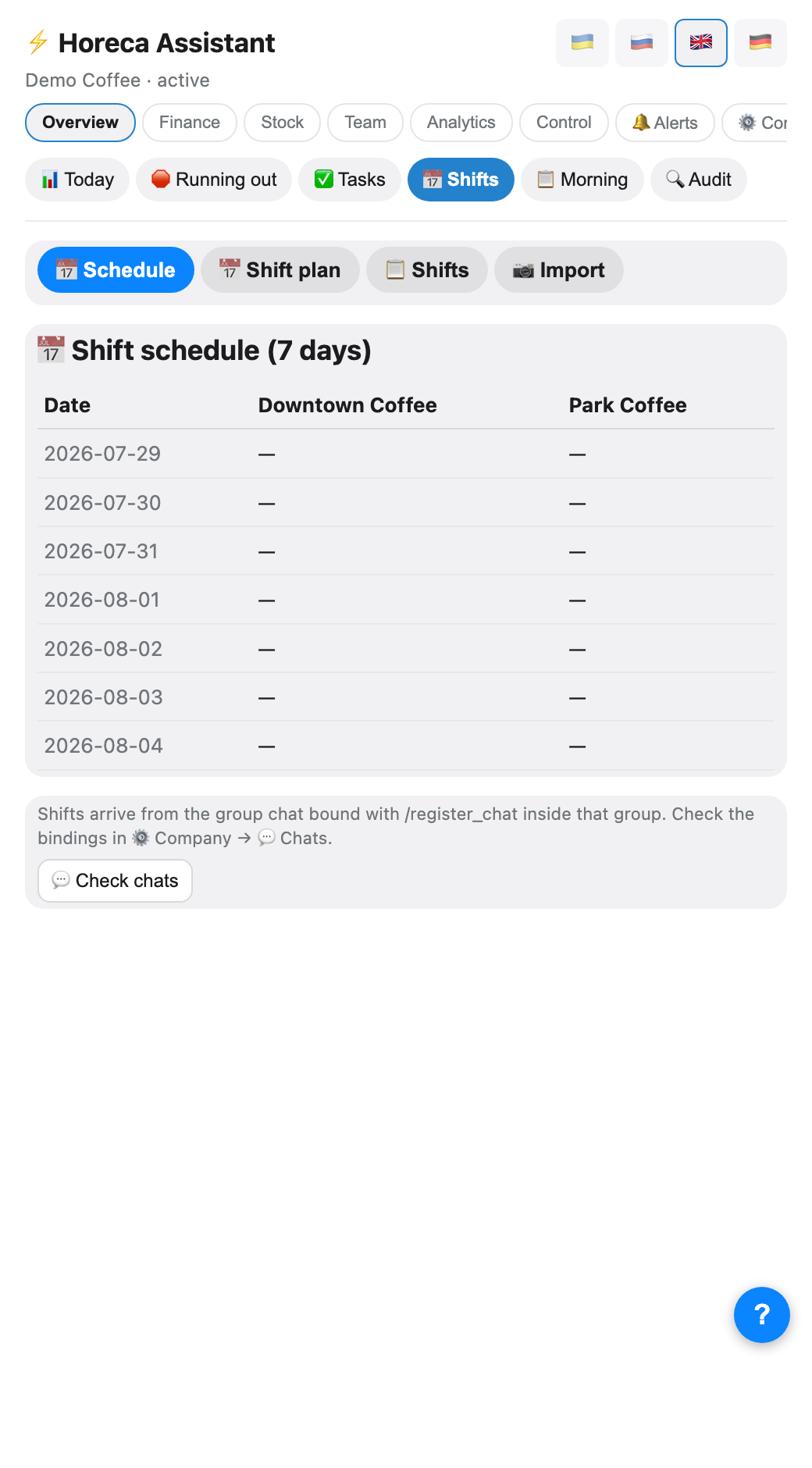
Build the schedule
The Overview → Shifts → 📅 Schedule tab: a date × venue table where you set who works when. The bot reminds baristas in the evening about tomorrow's shift and warns the owner if a day has nobody assigned.
Two more modes sit next to it: Shift plan (the same, two weeks ahead) and Import (paste an old shift's text if you are migrating data).
Two more modes sit next to it: Shift plan (the same, two weeks ahead) and Import (paste an old shift's text if you are migrating data).
4
Barista closes the shift
At the end of the day the barista posts a report into the venue group — the format is in a separate guide. The bot replies with a breakdown right away: what was earned and whether the safe matches. A parsed shift shows up immediately in the 📋 Shifts mode — tap it to edit by hand if the barista mixed something up.
5
Payroll for a period
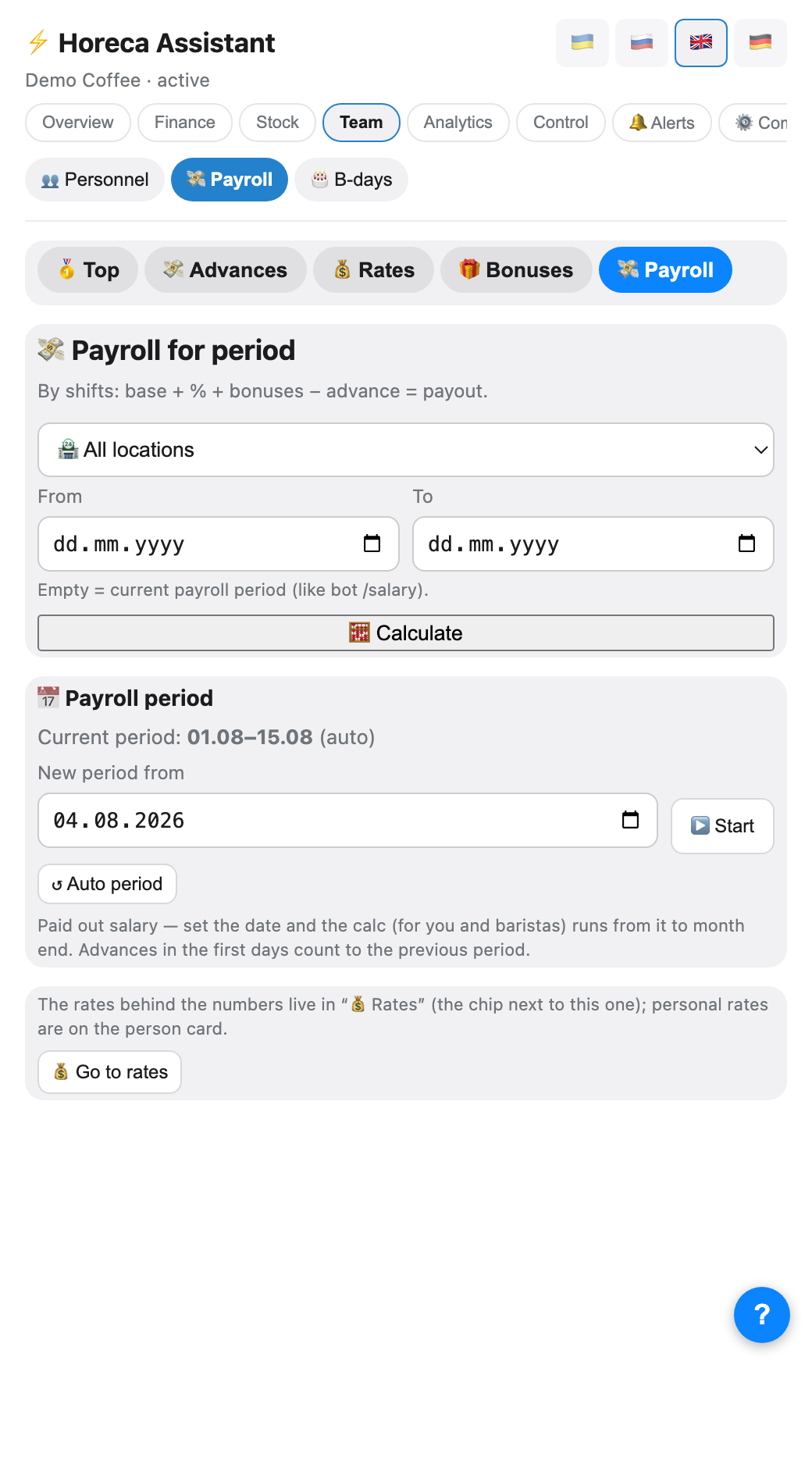
The Payroll for a period tab (or the
Advances are found automatically in Poster finance (safe and bank account) — no manual lookup needed.
/salary command): pick a venue (or "All venues"), a from/to date range, then 🧮 Calculate. The formula: base + % + bonuses − advance = to pay. Empty dates mean the current pay period.Advances are found automatically in Poster finance (safe and bank account) — no manual lookup needed.
6
Shift the pay period start date
The Pay period block (owner only) sits below the calculator. By default the period is automatic (1st–15th / 16th–end of month). Paid out early? Set "New period from" and tap ▶️ Start: the calculation (for you and every barista) runs from that date to month end, and advances from the first days still count toward the previous period. ↺ Auto period restores the standard split.
⚠️ This affects EVERYONE's calculation at once — only use it right after you actually paid out, not "just in case".
7
Top baristas and advances
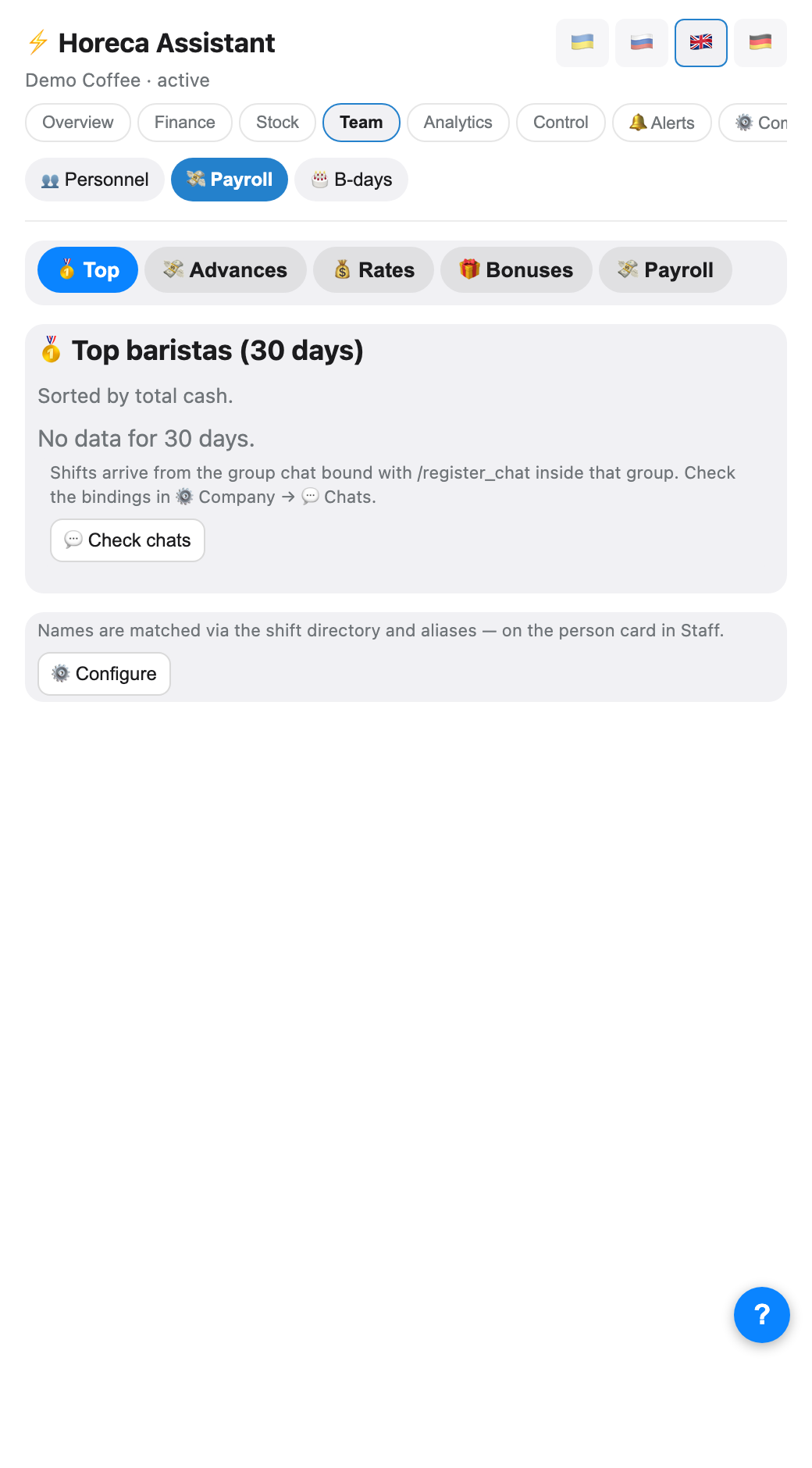
The 🥇 Top tab (open by default) ranks baristas by total till over 30 days; names are resolved through the shift roster and aliases from "👥 Staff". 💸 Advances lists payouts the bot classified as an advance (by the Poster transaction label), separate from the period payroll.
8
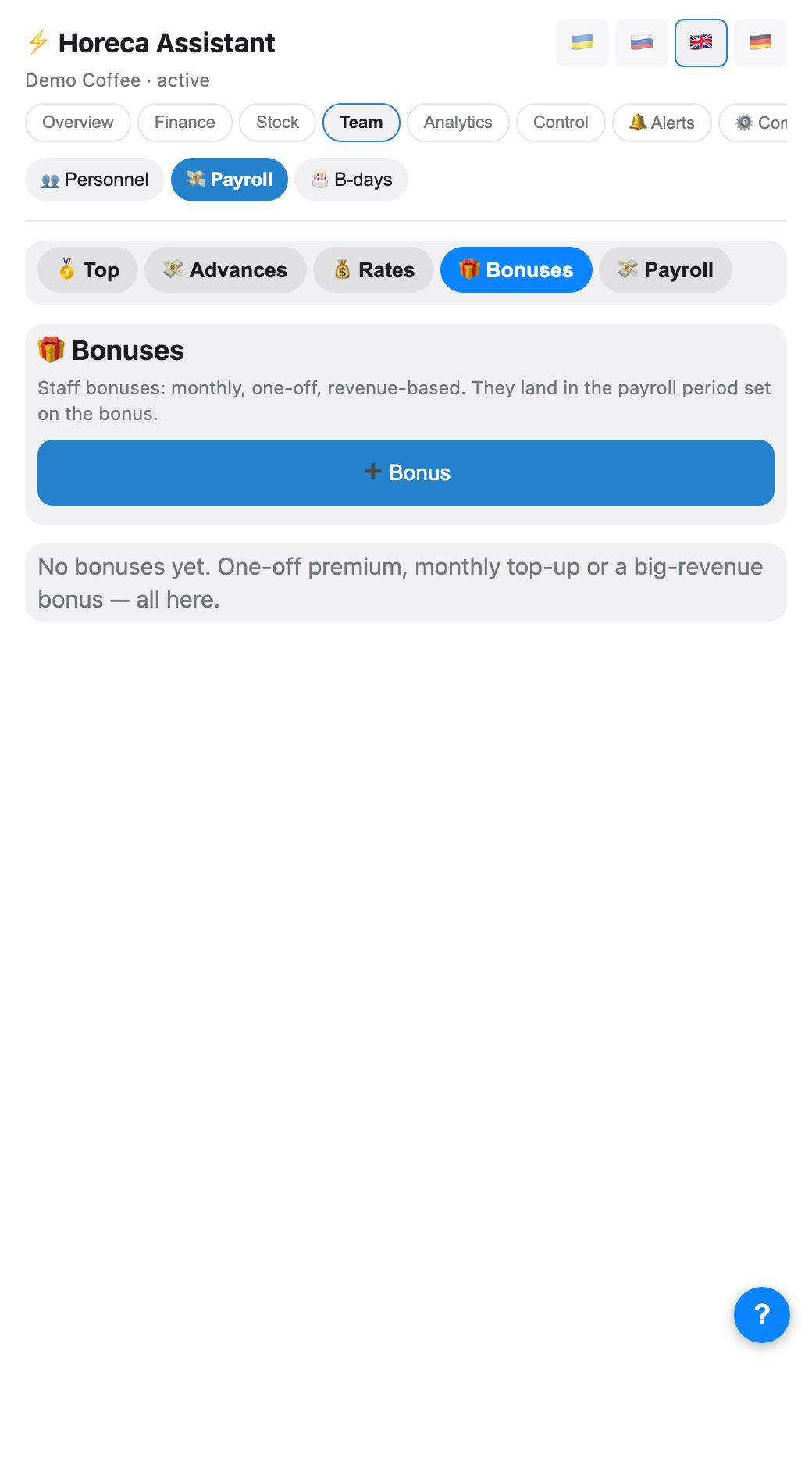
Bonuses
The 🎁 Bonuses tab — four types: monthly (a fixed sum every pay month), biweekly, one-time (for a specific month-year) and till-based auto-bonus (per shift above a threshold). The ➕ Bonus button opens a form: person, type, amount.
A one-time bonus that was already granted can be reissued — it clears the "granted" flag so the bot includes it in the next period calculation.
A one-time bonus that was already granted can be reissued — it clears the "granted" flag so the bot includes it in the next period calculation.
FAQ
The helper is missing from payroll
A helper on a barista's shift is folded into that barista's row («+ helper»). Only people who work exclusively as helpers get their own row. If they are missing entirely, they are not in the venue roster.
Why are payouts not shown in /salary?
/salary calculates what was earned in the period, it is not a payment log. Payouts for a closed period appear in Poster finance and in /profit.Two baristas in one shift — now what?
It depends on "2+ baristas per shift" in the venue rates: solo counts only the first one, split_equal divides the till percentage among everyone, flat_each gives each a fixed rate with no percentage. Pick whichever matches your actual practice, or the numbers will not match expectations.